Skip to product information
1 of 1

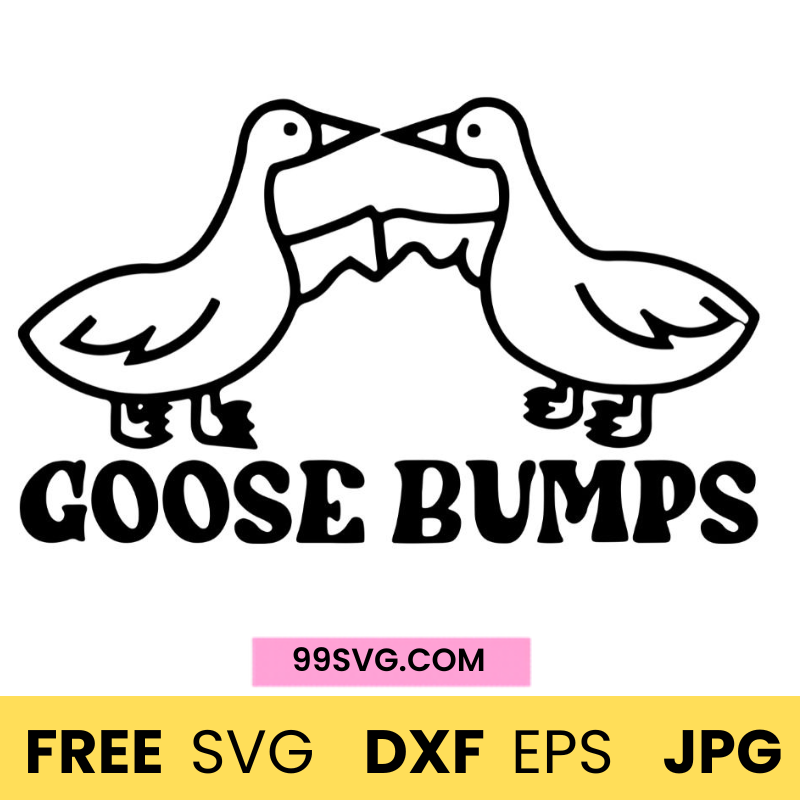
Goose Bumps Free SVG Fille for cricut

Goose Bumps Free SVG Fille for cricut

Regular price $0.00 USD
Regular price Sale price $0.00 USD
On discount Sold out
Special limited offer!

How To Download

Add SVGs to Cart: Choose the SVG files you want and add them to your shopping cart.

Checkout: Go to your cart, proceed to checkout, and provide necessary details.

Receive Link: After purchase, you will get the download link or check your Email for a download link.

Download: Click the link to download your SVG files directly to your device.

Upgrade your crafting game with our Goose Bumps Free SVG File, designed to bring fun, bold, and eye-catching designs to your projects. Whether you're making trendy t-shirts, mugs, stickers, or decals, this high-quality SVG is perfect for use with Cricut, Silhouette, and other cutting machines. Ideal for both beginners and experienced creators, this design adds personality and humor to any creation.

What’s Included?

  • SVG File: Fully compatible with Cricut Design Space and Silhouette Studio
  • PNG File: High-resolution with transparent background for versatile use
  • DXF File: Great for advanced cutting and customization
  • EPS File: Perfect for professional design software

Creative Uses

Take your projects to the next level with these ideas:

  • Trendy Apparel: Create funny or bold t-shirts, hoodies, and tote bags
  • Custom Stickers: Design unique decals for laptops, phones, or notebooks
  • Gift Ideas: Perfect for friends who love humor, trends, or statement designs
  • Social Media Products: Use it for digital product mockups or print-on-demand items

Key Features

  • High-Quality Design: Clean, sharp lines for flawless cutting
  • Multi-Format Files: Works across all major design and cutting platforms
  • Beginner-Friendly: Easy to upload, customize, and cut
  • Instant Download: Start creating right after download
  • Scalable Design: Resize freely without losing quality

How to Use

  1. Download your files instantly after access
  2. Upload the SVG file into Cricut Design Space or Silhouette Studio
  3. Adjust size, colors, or layout to fit your project
  4. Cut your design and apply it to your chosen surface
View full details